

When you change something in your retirement plan, it can feel like the responsible move is to re-optimize. New number, fresh run, clean slate. It sounds disciplined.
Most of the time, your plan doesn't need that. It needs a quick update.
A plan you're following gets kept up to date. A plan gets rebuilt when your life changes.
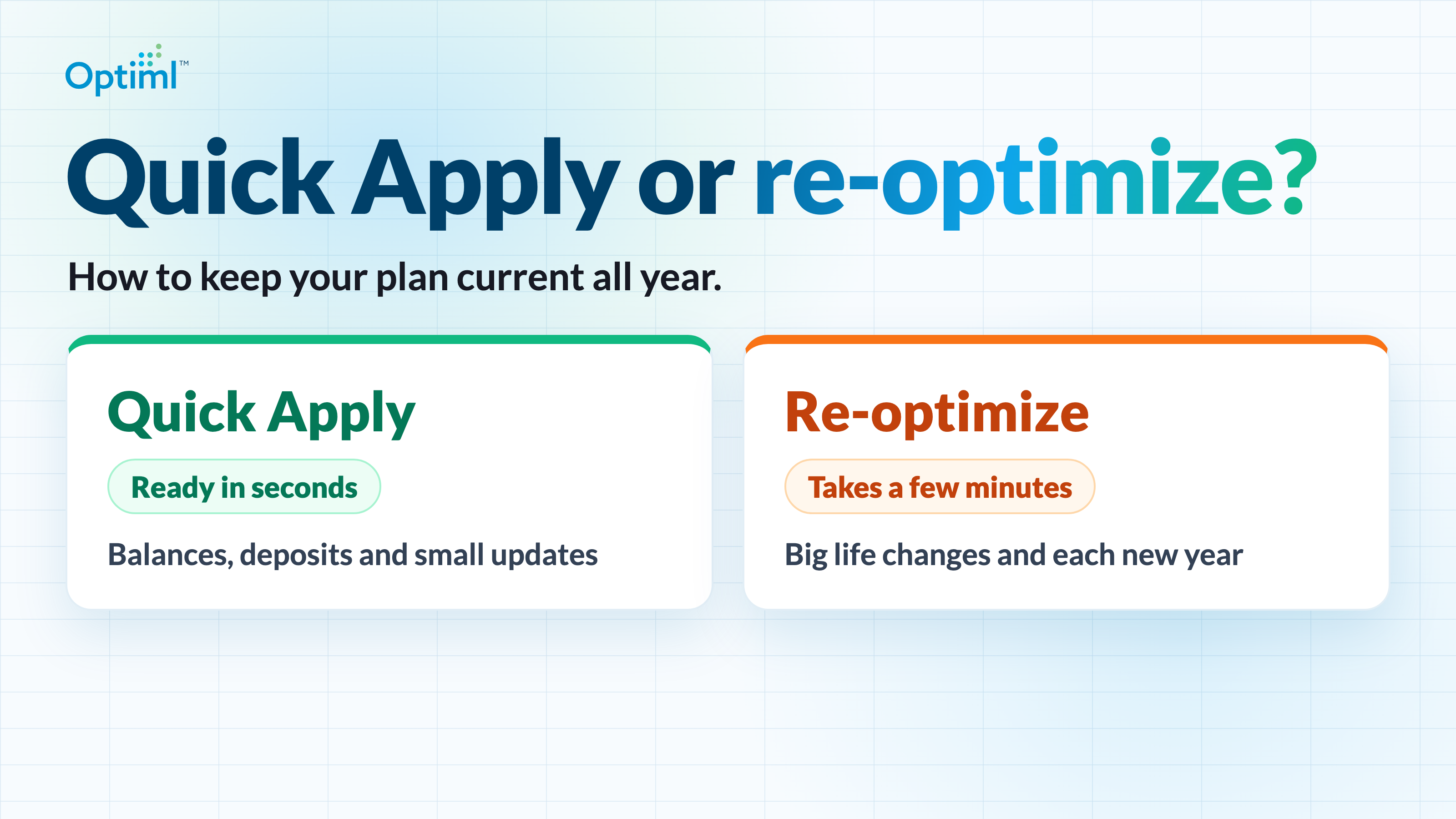
Optiml has a way to do each one. Quick Apply keeps your plan current. Re-optimizing rebuilds it. And one question will tell you which you need.
One Simple Question
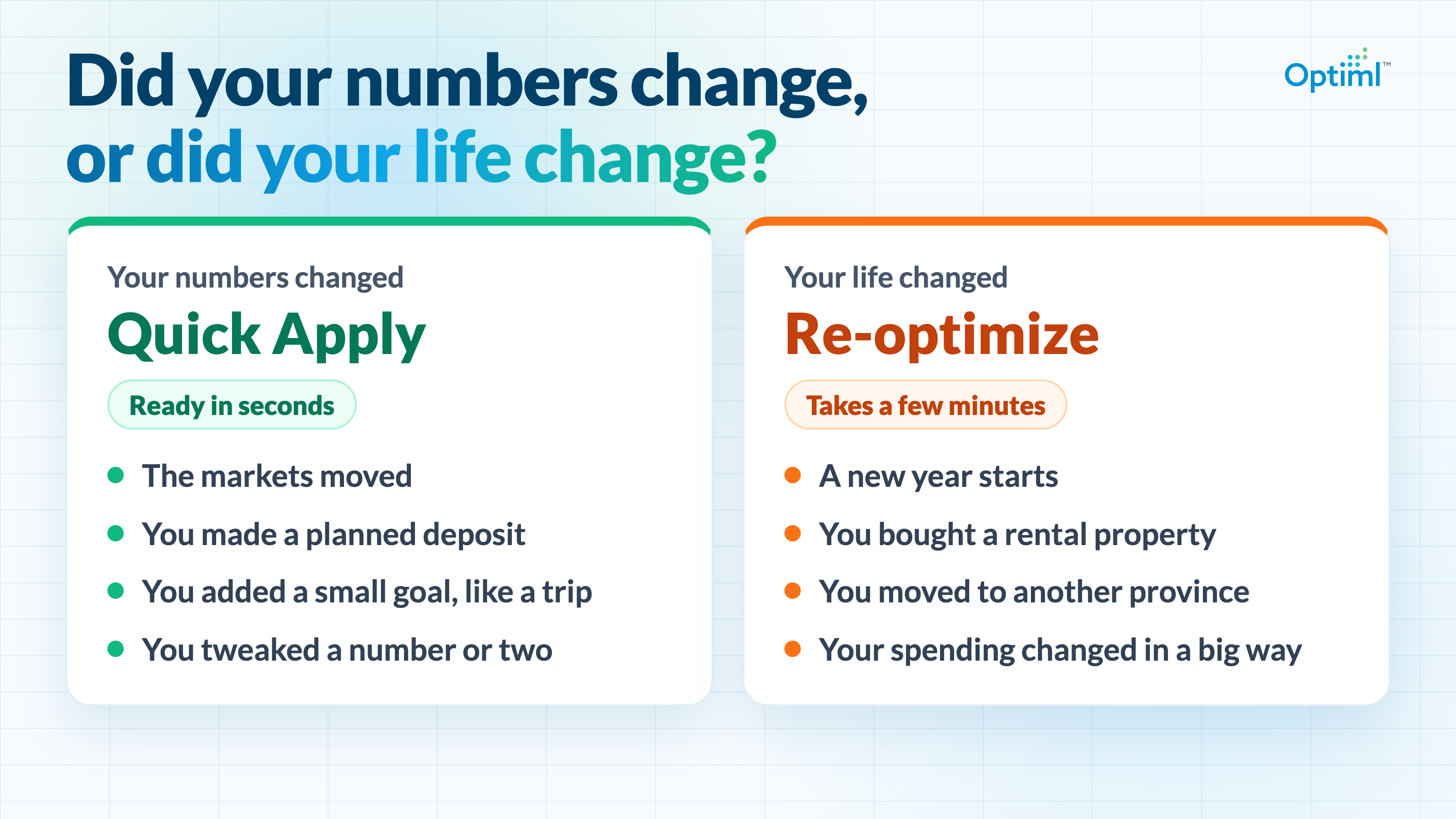
Did your numbers change, or did your life change?
Your numbers change all the time, and they're supposed to. That's what following a plan looks like. None of it means your plan was wrong or needs to start over.
Your life changes less often. When it does, your plan is still built around the old picture, and it's time for a fresh look.
Say the markets had a good few months and your balances are up. Your numbers changed. Your life didn't. Quick Apply.
Now say you receive an inheritance. Your balances are up there too, but your whole picture just shifted. Re-optimize.
When Your Numbers Change
Quick Apply brings your updates into the plan you're already following, in seconds. Your strategy stays and everything else stays where it is.
You don't have to run to it after every little thing, either. Make a few updates and bring them in together.
A few good moments for it.
- The markets moved and you updated your balances.
- You made a deposit or withdrawal your plan called for.
- You added a small goal, like a trip.
- You tweaked a number or two.
Following your plan through the year doesn't need re-optimizing. Say your plan calls for a $7,000 Tax-Free Savings Account (TFSA) deposit this year. You've put in $3,000, so you record it, and your plan shows $4,000 left. The target doesn't move.
That's how following a plan should feel. You do part of what it asks, and it shows you the rest.
When Your Life Changes
Re-optimizing takes a fresh look at every year of your plan and rebuilds it around your changes. It takes a few minutes, and these are the moments when they're well spent.
- A new year starts. You've got new contribution room and updated tax brackets, and you're a year further along.
- Your retirement date moves in a real way, especially when retirement is getting close.
- Something big comes into or leaves your plan, like a rental property or an inheritance.
- You move to another province.
- You get married, or a marriage ends.
- Your spending picture changes in a big way.
- You rethink your long-term growth or inflation assumptions.
A new year might not feel like a life change. But it's the one everyone gets, and your plan should move with you.
As for what counts as big, you know the difference between a bigger trip this year and a move across the country.
Why Not Just Re-Optimize Every Time?
It only takes a few minutes, so why not run it whenever something changes?
Because a fresh look is free to rearrange your whole plan. That's what you want when your life has changed.
It's not what you want when you're simply following the plan. The deposits and withdrawals you're acting on could shift when nothing in your life did. You'd be halfway through what your plan asked for, looking at a different plan.
A plan is only useful if you can act on it.
What a Year Can Look Like
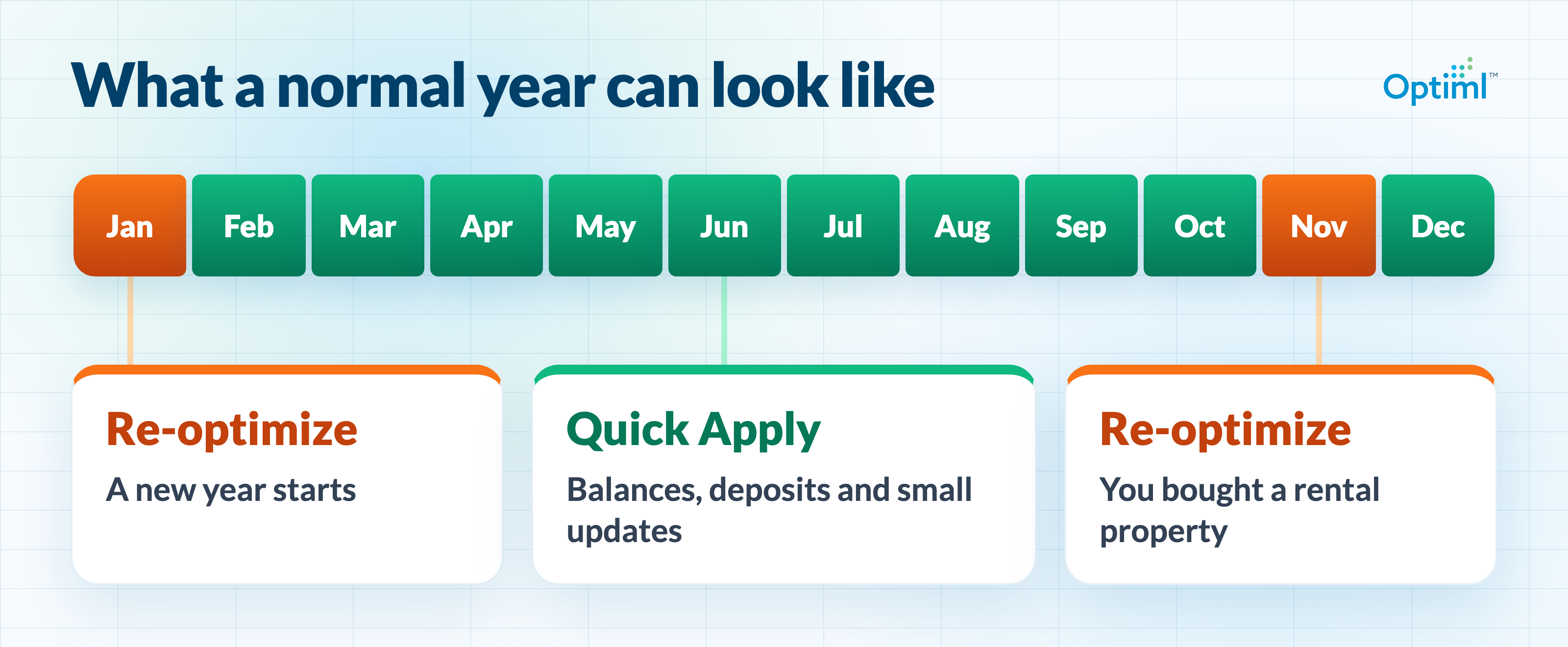
The rhythm I'd suggest is simple. Re-optimize each January and after a big life change, and use Quick Apply for everything in between.
A normal year can look like this. January comes and you re-optimize. Through spring and summer, your updates are routine, and Quick Apply brings them in. Then in November you buy a rental property. That's your life changing, so you re-optimize again.
A few minutes when life changes. A few seconds the rest of the time.
If Your Plan Is Built Around Spending
Maximize Lifetime Spending and Set Estate Value work a little differently, because spending is what they solve for. They find extra money you can spend each year, on top of the spending you entered. You'll see it in your plan as surplus spending.
Quick Apply tries to keep your surplus spending the same. When your numbers move a little, it goes up or down as needed, before your accounts have to change. A good stretch in the markets can add to it. A new trip can take from it. The spending you entered stays as you entered it.
If your updates mean your plan can't fund all of it anymore, Quick Apply brings your surplus spending down to what your plan can still afford. Extra spending was never a must, so it shouldn't put a plan you can afford into a shortfall.
A big change is different. It can move what your plan can spend by a lot, and finding the new number takes a fresh look at every year. Quick Apply adjusts the plan you already have, so it can't do that. That's why a big change on these two strategies needs a re-optimization, and Quick Apply isn't available for it.
Not Sure Which One? Optiml Tells You
Some changes sit in the middle. Your retirement date moves a little. Your spending creeps up. You're not sure which side of the question that lands on.
That's fine. When you go to run your plan, Optiml tells you which one it recommends. Small changes can add up to a big one over time, and Optiml keeps an eye on that for you.
You can re-optimize any time you want.
Keep it current. Rebuild when life changes. Then get on with your year.
Frequently Asked Questions
Do I need to re-optimize every time I update my plan?
No. When you're following your plan and your numbers change, Quick Apply keeps it current in seconds. Save re-optimizing for each January and for big life changes.
Can I re-optimize any time I want?
Yes, any time. Optiml tells you which one it recommends when you go to run your plan.
What happens to my Success Score after Quick Apply?
Your Success Score belongs to a specific version of your plan, so after Quick Apply you run it again whenever you're done updating. Re-optimizing runs it for you.
Why isn't Quick Apply available for my latest change?
On Maximize Lifetime Spending and Set Estate Value, a big change can move what your plan can spend by a lot. Re-optimizing is how you find the new number.
Who can use Quick Apply?
Quick Apply is on every paid plan and every free trial.
Ready to optimize your retirement plan?
Join thousands of Canadians making smarter financial decisions with Optiml.
Start Free Trial